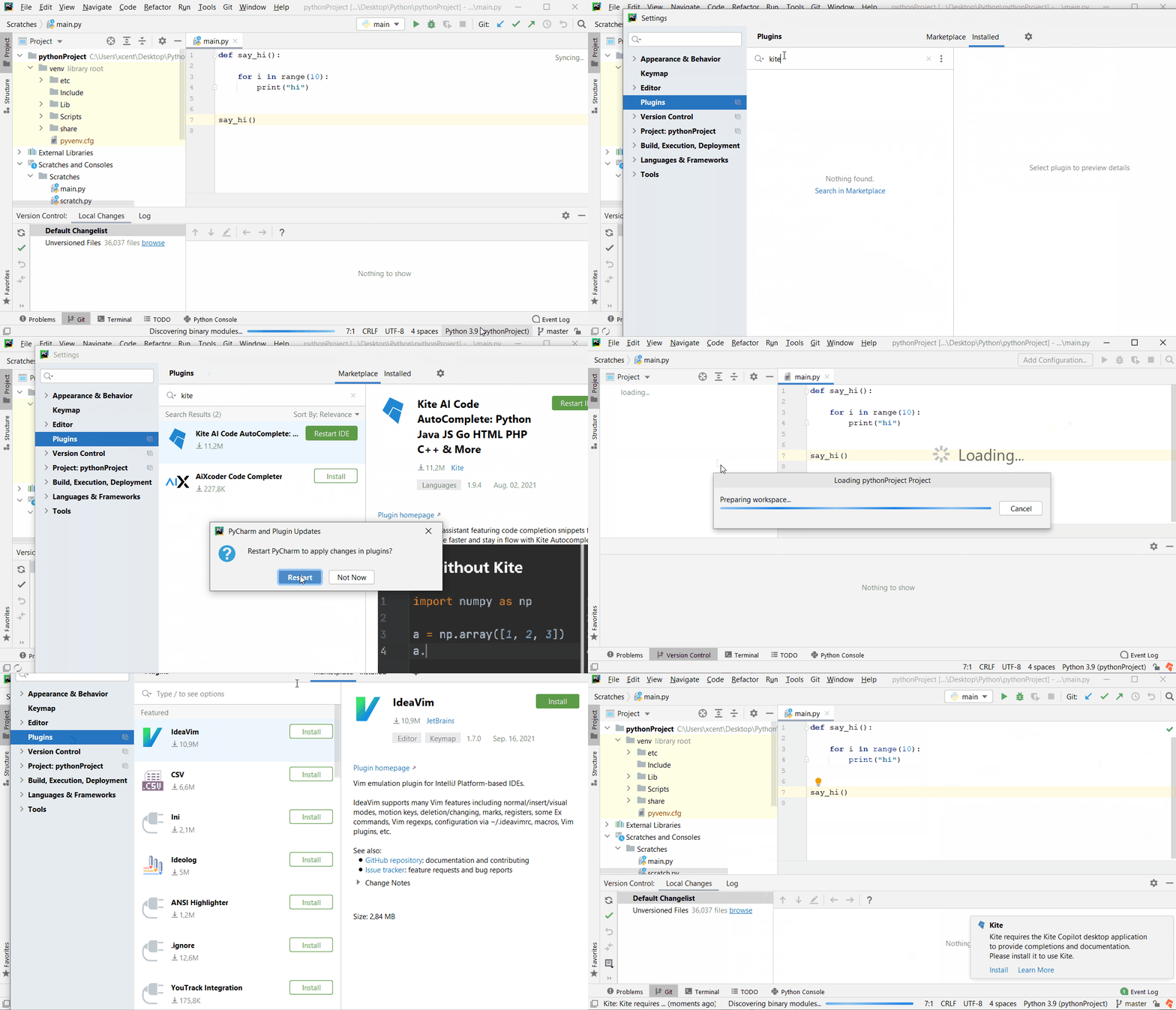
Kite is an intelligent code-autocompletion tool that helps you write source code faster and more efficiently. This short tutorial will show you how to install it in PyCharm.
Open your PyCharm IDE with the latest PyCharm version. Go to File > Settings > Plugin. Search for “Kite” in the Marketplace tab. And click “Install”. Restart the IDE for the Plugin to be fully activated.